 nuzerna
Every plan
Know the cost before you go.
Plan what to buy, see the estimated total, tick items off in the shop, then save the trip as one expense.
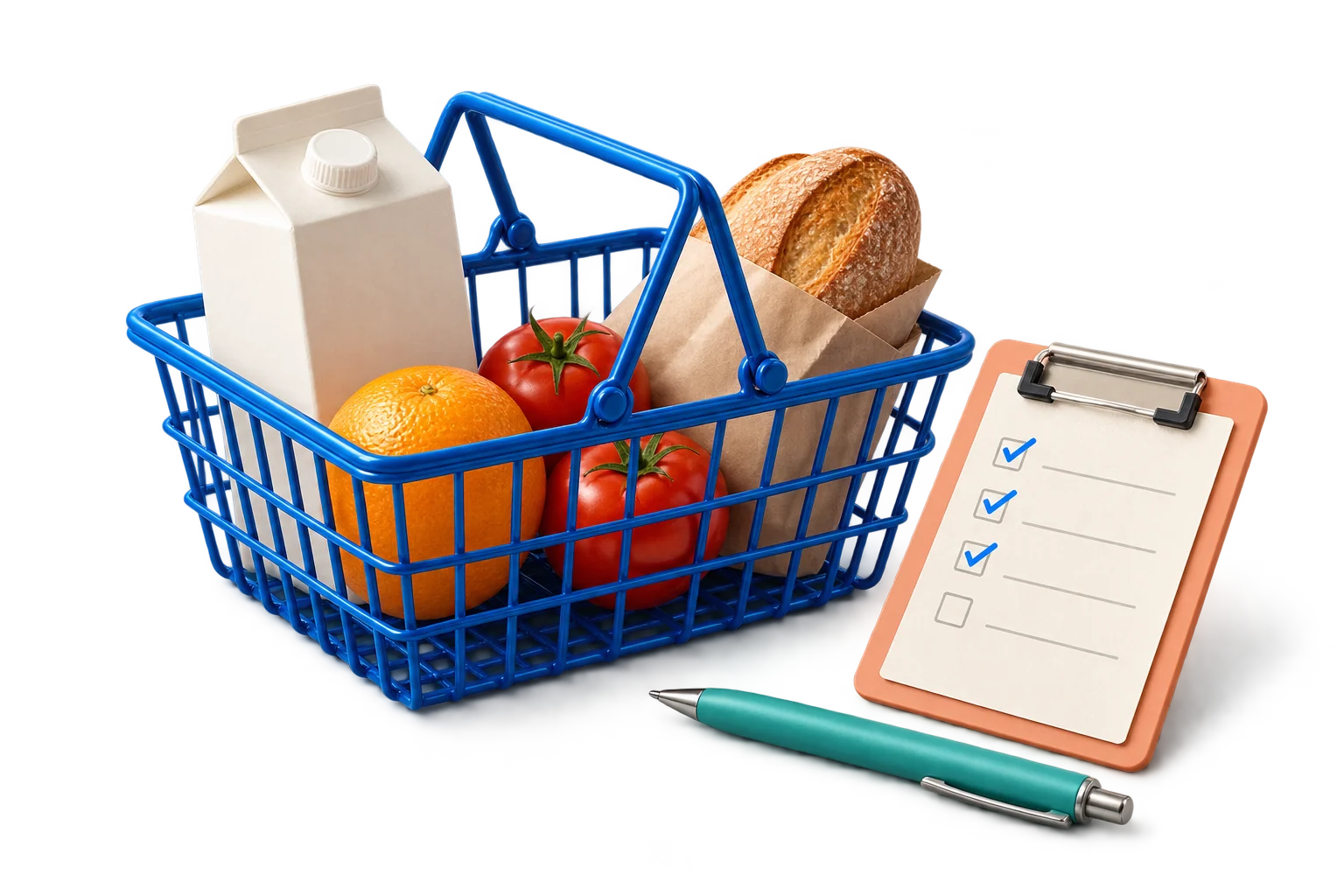
Simple, step by step.
- 01
Plan
Add items with a quantity and a price each. Quick add understands “2 Milk @ 2.50”. See the estimated total before you leave.
- 02
Shop
Tick items into the cart as you go. The cart total updates as you shop.
- 03
Save the trip
Checkout saves one expense through the normal record flow. Delete the expense and the items are released again.
The little things that matter.
- Lists in your personal team are personal. Lists in a shared team are shared with its members
- Each list has one currency, chosen when it is created
- Shop again resets a list for next time
- Free on every plan
A few answers.
Does it work offline?
Supported changes can be saved offline and synced later once you are signed in.
Can I share one list with a person who is not in my team?
Not yet. Lists belong to a team, and members of that team can see them.
More to explore
It starts with
one record.
iPhone, Android & Mac · Free to start